Dead character
Tommaso appears in chapter 3, but dies in chapter 2
The sea gave back Tommaso’s body only at dawn.Ch. 2 · Scene 7
The key Tommaso had left her the night before.Ch. 3 · Scene 2
Go to sceneIt’s a flashbackIgnore

For novelists, sagas and worlds to build
Novelith is the writing studio that knows your story. Manuscript, characters, places, maps and chronology live together and talk to each other: every inconsistency surfaces before a reader finds it, and AI running on your own computer helps you without ever writing for you.
Scene 2 · The pier
Lucia reached the old harbour when the boats were already in. The wind smelled of salt and diesel, and the lamp of the lighthouse turned slowly above the headland.
She pushed a wet strand of hair from her brown eyes and felt in her pocket for the brass key Tommaso had left her the night before. She still did not know what it opened.
By chapter thirty nobody remembers the colour of Lucia’s eyes. Novelith does.
Novelith cross-checks scenes, cards and chronology and warns you the moment the story contradicts itself. No plot hole reaches print by oversight: you find it first, before anyone else.
Type a name and Novelith recognises it, nicknames too. Their card knows where they appear, who they spend time with and how they changed chapter after chapter. It even has a face.
Every event is tied to the scenes that tell it. View the plot in the order it happens or in the order the reader will meet it, and see at a glance where the flashbacks fall.
Chapters split into scenes, each with a summary, status and point of view. Move them on the board, weave plotlines on the grid and the manuscript reorders itself. Looking for a route? Start from a classic structure.
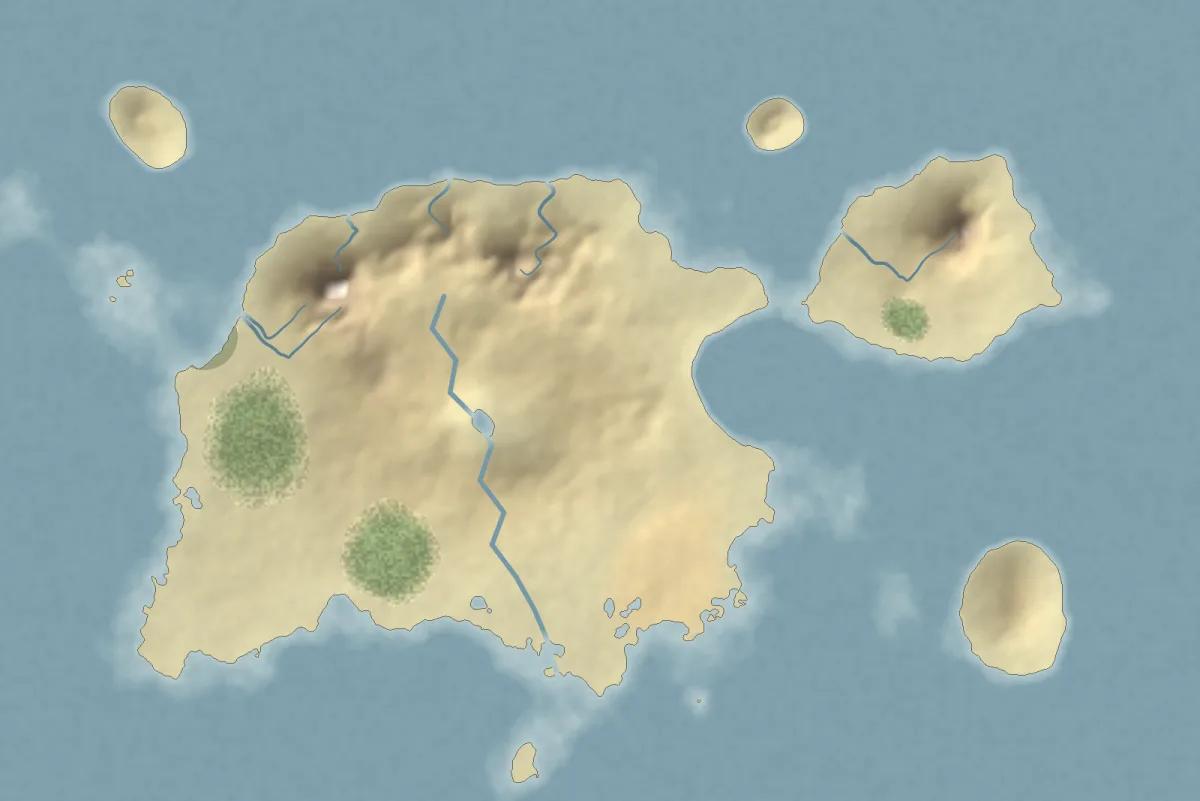
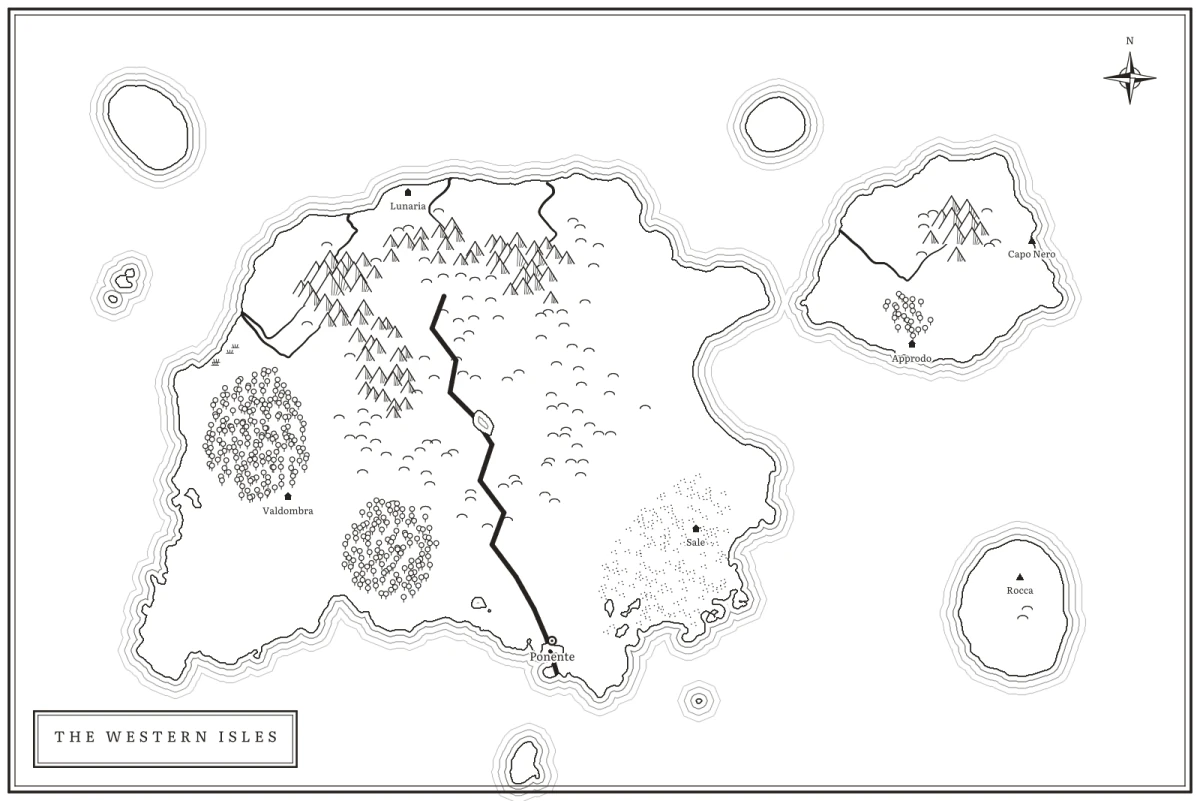
Paint your world’s map like a cartographer: lands, seas, mountain ranges, forests and rivers. Mark its cities and towns, give its peoples a language and take it all into the printed book.
An editor born for long texts, with book-grade typography. When you want to focus everything else disappears; when you need the right word, it is already there.
Privacy first
No servers reading your novel, not even for AI. Novelith works on your device, saves in open formats and syncs only to the drive you choose. And what you write is never lost.
Not a single word of your work passes through us.
Writing, revision, portraits and dictation: on the train or in the mountains.
Text in Markdown, cards in JSON: readable without Novelith.
A trash for everything, versions of every scene and a backup every day.
And everything else
Novels, stories and ideas side by side, with cover, category and genre.
Research, fragments and ideas beside your work, with labels and search.
Writing tips tailored to the genre you are writing.
A whole chapter straight through or the full manuscript laid out, before you export.
PDF, Word, EPUB and Markdown, with layouts ready for KDP and IngramSpark.
Title page, dedication, acknowledgements, about the author with photo and bio, maps.
From Word, Scrivener, RTF, ODT, PDF, HTML and Markdown: chapters and italics where they belong.
iCloud Drive, Google Drive, Dropbox or OneDrive. Two versions in conflict? See them side by side and choose.
Compare how it was with how it is, and go back whenever you like.
A backup every day in the folder you pick; restoring never overwrites anything.
Your work kept safe with Touch ID, Windows Hello or your computer’s password.
Name, photo and bio, ready for the about-the-author page of every book.
A few bubbles show you each screen the first time, and every new feature is explained.
Shortcuts to write, search, dictate and move between sections.
Screen readers, keyboard navigation, light and dark themes, your favourite typeface.
Describe the problem, choose what to attach and send it, no email needed.
Artificial intelligence · On your computer
Local models, downloaded once and run on your device: your text goes to no server, not even ours, and there is no subscription to pay. The AI suggests, you choose: nothing enters the manuscript without your click.
Wherever you really write
Native apps for every system, with your work synced through your drive: start on the Mac, carry on on the iPad on the train, finish on the PC.
Lifetime licence
No subscription, no fees. The software you buy stays yours.
Closed beta
We are looking for writers for the closed beta: a free licence in exchange for your feedback. Tell us what you are writing.
Apply for the beta